Your door locks are one of the most important parts of your home’s security system. Yet many homeowners forget about them until something goes wrong. Worn hardware, lost keys, and outdated locks can quietly put your family and property at risk.
So, how often should you change your locks?
If you are searching for this question online, you are already taking the right step toward protecting your home. This guide explains when to rekey or replace your locks, warning signs to watch for, and how to keep your home secure longterm.
Quick Answer: When Should You Change Your Locks?
You should change or rekey your locks when:
✔ You move into a new home
✔ You lose your keys
✔ Someone moves out
✔ After a breakin attempt
✔ Your locks are worn or damaged
✔ Best Practice every 5 years for security upgrades
If any of these situations apply to you, it is time to update your locks.
Why Changing Your Locks Is So Important
Your locks are your first line of defense. Over time, they experience daily wear and exposure to weather, dirt, and moisture. Keys also get copied, lost, or shared without your knowledge.
Old or compromised locks can:
- Make forced entry easier
- Reduce insurance protection
- Increase theft risk
- Lower property value
- Create safety concerns
Upgrading your locks keeps unauthorized people out and gives you peace of mind.
How Often Should Different Types of Locks Be Changed?
Not all locks wear out at the same rate. Here is a general guideline.
???? Front Door Locks
Change every 5–7 years or after major life changes
???? Interior Door Locks
Replace as needed for privacy or damage
???? Business Locks
Update every 2–4 years or after staff changes
???? Vehicle Locks
Replace when keys are lost or stolen
Hightraffic doors may need more frequent updates.
Rekey vs Replace: What’s the Difference?
Many people confuse rekeying and replacing. Both improve security, but they serve different purposes.
???? Rekeying a Lock
Rekeying changes the internal pins so old keys no longer work.
Best for:
- New homeowners
- Lost keys
- Tenant changes
- Budgetfriendly security
Your existing hardware stays in place.
???? Replacing a Lock
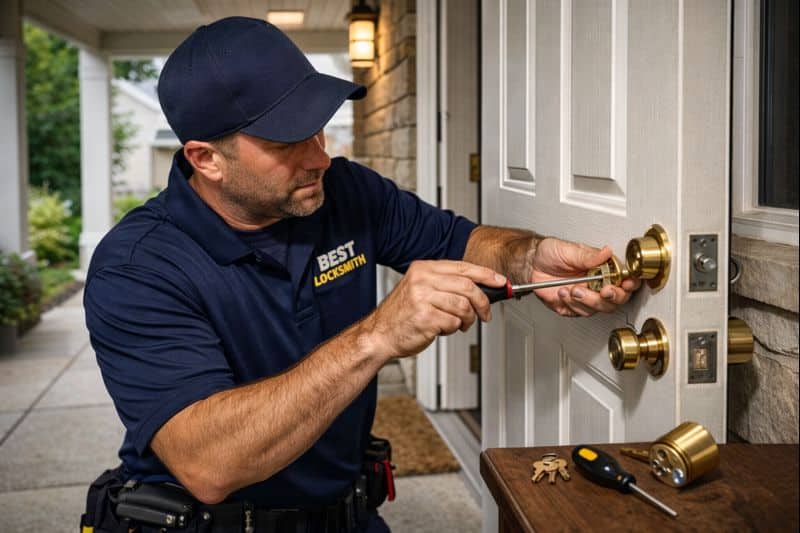
Replacing means installing new hardware.
Best for:
- Broken locks
- Outdated systems
- Smart lock upgrades
- Higher security needs
Replacement gives you new strength and design.
Signs You Need to Change Your Locks Immediately
Do not ignore these warning signs:
???? Key sticks or jams
???? Lock feels loose
???? Rust or corrosion
???? Door does not align
???? Forced entry marks
???? Key turns without opening
These problems reduce protection and should be fixed quickly.
What Happens If You Don’t Change Your Locks?
Delaying lock upgrades can lead to:
❌ Unauthorized access
❌ Breakins
❌ Insurance claim issues
❌ Expensive repairs
❌ Personal safety risks
Replacing or rekeying early is far cheaper than recovering from theft.
Smart Locks: Do They Need Replacement?
Smart locks use digital systems instead of traditional keys. They should be replaced when:
- Software becomes outdated
- Batteries fail frequently
- App support ends
- Hardware malfunctions
Benefits include:
✔ Keyless entry
✔ Remote access
✔ Guest codes
✔ Activity tracking
Smart locks improve convenience and security when maintained properly.
How Much Does It Cost to Change Locks?
Average pricing varies by lock type and location.
| Service | Average Cost |
| Rekeying | $75 – $150 |
| Standard Lock Replacement | $90 – $250 |
| Smart Lock Installation | $150 – $400 |
| HighSecurity Lock | $200 – $500 |
Prices depend on hardware quality, door type, and labor.
Can You Change Locks Yourself?
DIY kits are available, but mistakes are common.
Risks include:
❌ Poor alignment
❌ Reduced security
❌ Lock damage
❌ Voided warranties
Professional installation ensures longterm performance.
How Long Does Lock Replacement Take?
With professional service:
⏱️ Rekeying: 15–30 minutes per door
⏱️ Replacement: 20–45 minutes per door
Most homes are completed in under two hours.
How Often Should You Change Locks in Rental Properties?
Landlords and property managers should:
✔ Rekey after every tenant
✔ Replace damaged hardware
✔ Upgrade security regularly
✔ Document service records
This protects both owners and tenants.
Tips to Keep Your Locks Secure Longer
Follow these habits:
- Lubricate locks yearly
- Avoid forcing keys
- Replace worn keys
- Keep spare keys secure
- Inspect hardware regularly
Small maintenance prevents big problems.
Frequently Asked Questions
❓ Should I change locks after buying a home?
Yes. You never know how many copies exist.
❓ Is rekeying enough for security?
Yes, if your locks are in good condition.
❓ How often should apartment locks be changed?
After every tenant or major incident.
❓ Do I need new locks after losing keys?
Rekeying is usually enough unless locks are damaged.
❓ Will insurance require lock replacement?
Often after break ins or theft claims.
❓ Can multiple doors use one key?
Yes. This is called “keyed alike” service.
When to Call a Professional Locksmith
You should contact a locksmith if:
✔ You are unsure what service you need
✔ Your locks are malfunctioning
✔ You want better security
✔ You experienced a breakin
✔ You are upgrading hardware
A professional inspection saves time and money.
Protect Your Home with Updated Locks
Changing your locks is one of the simplest and most effective ways to improve home security. Whether you rekey or replace, keeping your hardware current reduces risk and increases safety.
If you have not updated your locks in years, now is the right time.
???? https://www.bestlocksmithtx.com/
???? Call Today
???? Residential • Commercial • Smart Locks
Your security starts at the door.